What the app adds
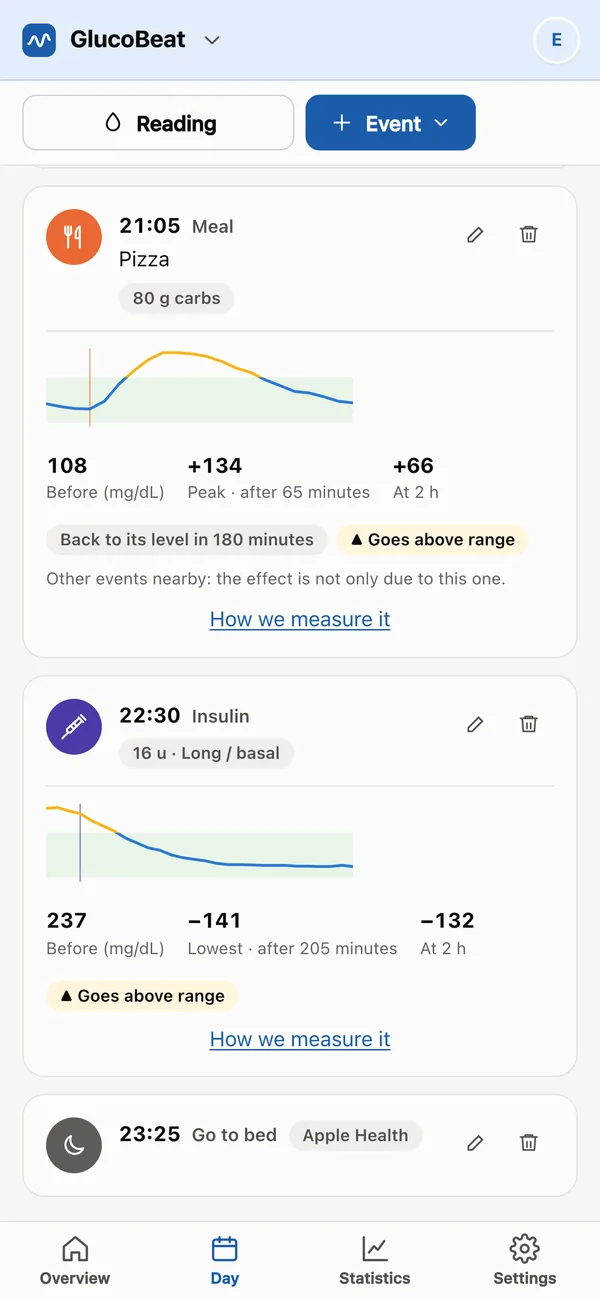
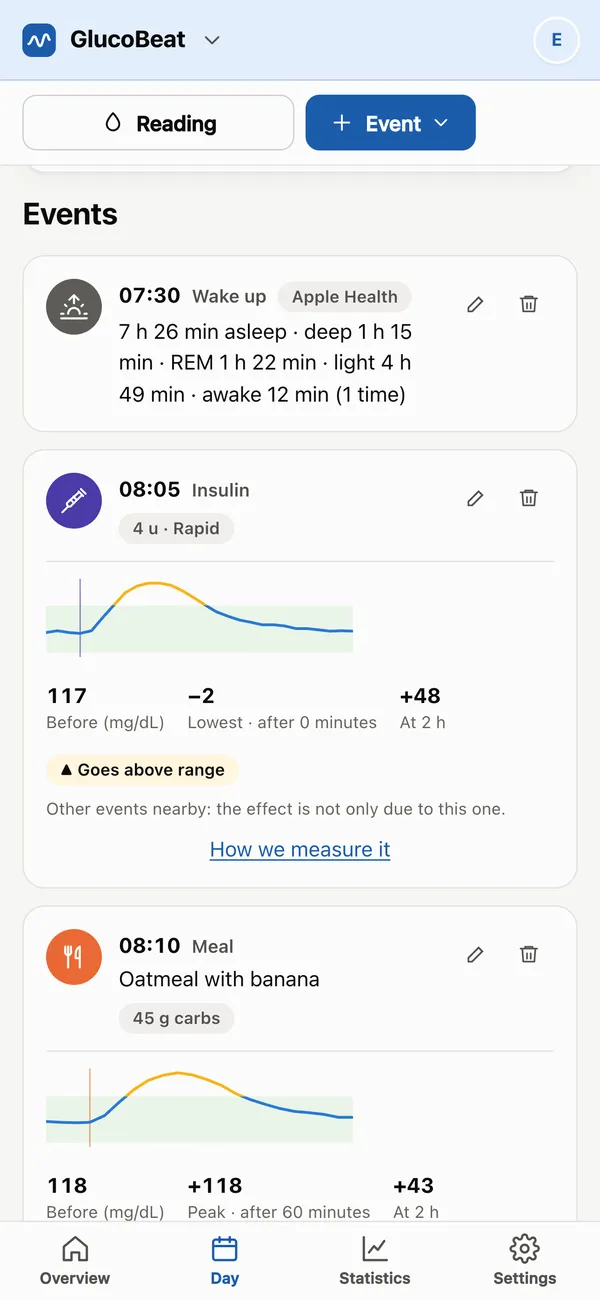
Your watch logs for you
Connect Apple Health on iPhone or Health Connect on Android and your exercise, sleep and glucose land in your diary on their own, even with the app closed. What you log by hand wins: nothing gets duplicated.
Notifications on your phone
Medication reminders and your daily recap arrive like any other notification. Tap it and the entry opens ready to go: just save it.
Offline, too
In a restaurant with no signal you can still log what you eat: it's saved on your phone and uploads by itself as soon as you're back online.
Dictate what you ate
Tap the mic and say “lentil stew with bread”: no typing needed.
Sign in with one tap
With Apple, Google or your email. It's the same account as on glucobeat.com: what you log in one place shows up in the other.
Everything from the web
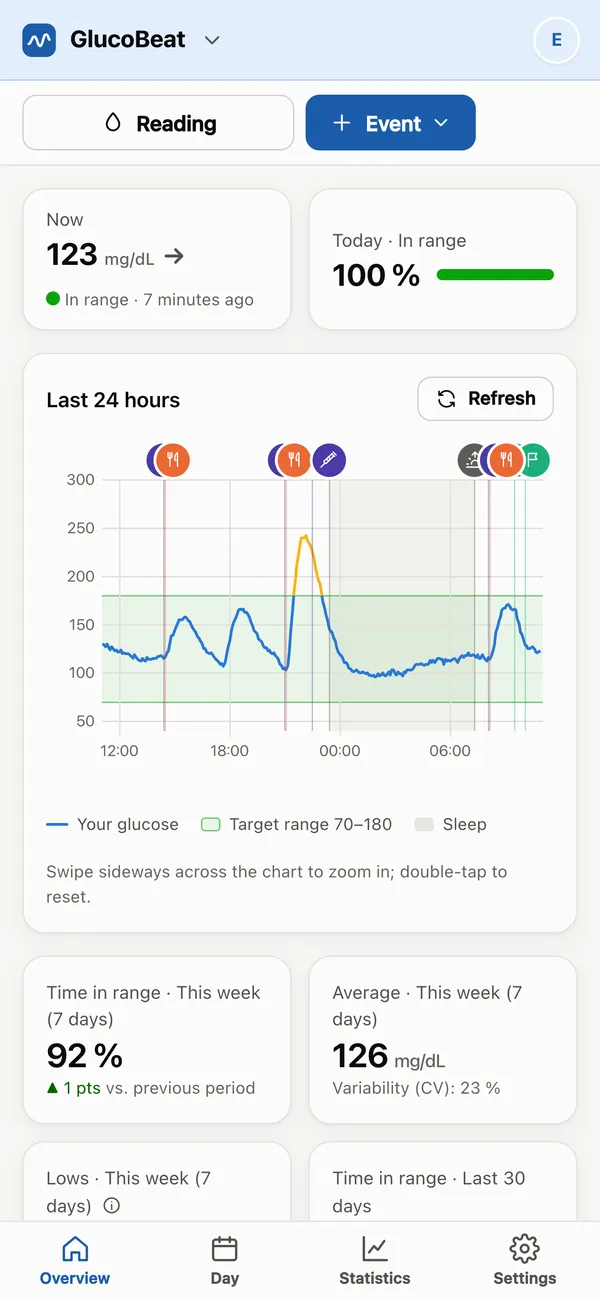
Stats, “How would this affect me?”, experiments, AI analysis, the PDF report for your appointment and sharing with your family or your doctor.
Get started in a minute
- Download GlucoBeat from the App Store or Google Play.
- Sign in with Apple, Google or your email. If you already use GlucoBeat on the web, use the same account.
- Connect your sensor and your phone's health app, or log by hand.
Questions about the app
How much does the app cost?
Downloading and using it is free, with the same Free plan as on the web. Premium and Premium+ can be bought inside the app, with your App Store or Google Play account, or on the web.
Do I need a new account?
No. If you already use GlucoBeat at glucobeat.com, sign in to the app with the same email, Google or Apple and you'll see your diary just as it is.
Which phones does it work on?
iPhone and Android phones (Android 8 or later). On iPhone it reads from Apple Health, and on Android, from Health Connect.
Does the app read my health data without asking?
No. It only reads what you allow on your phone (exercise, sleep and glucose), and you can stop sharing it whenever you like from the app or your phone's settings.
What if I don't want to install anything?
You can keep using GlucoBeat in the browser, on your computer or your phone. What only the app does (reading Apple Health or Health Connect, notifications on iPhone) needs the app.